

Customer Feedback
Customer Satisfaction Survey
Measure satisfaction after a store visit, with NPS and follow-up on low scores.
Airform
Build a beautiful form in minutes, share it anywhere, and turn every response into something your team can act on.
Free plan available. Upgrade when you need more.

New response
How it works
Airform keeps going after the response arrives, so data turns into action.
Drag, type or slash-command your questions onto the canvas.
Links, embeds, QR codes and campaigns with UTM tracking.
Mobile-first layouts, save and resume, consent built in.
Charts per question, drop-off, sources and devices.
Tag, assign, notify, sync to OPM CRM or call a webhook.
The builder
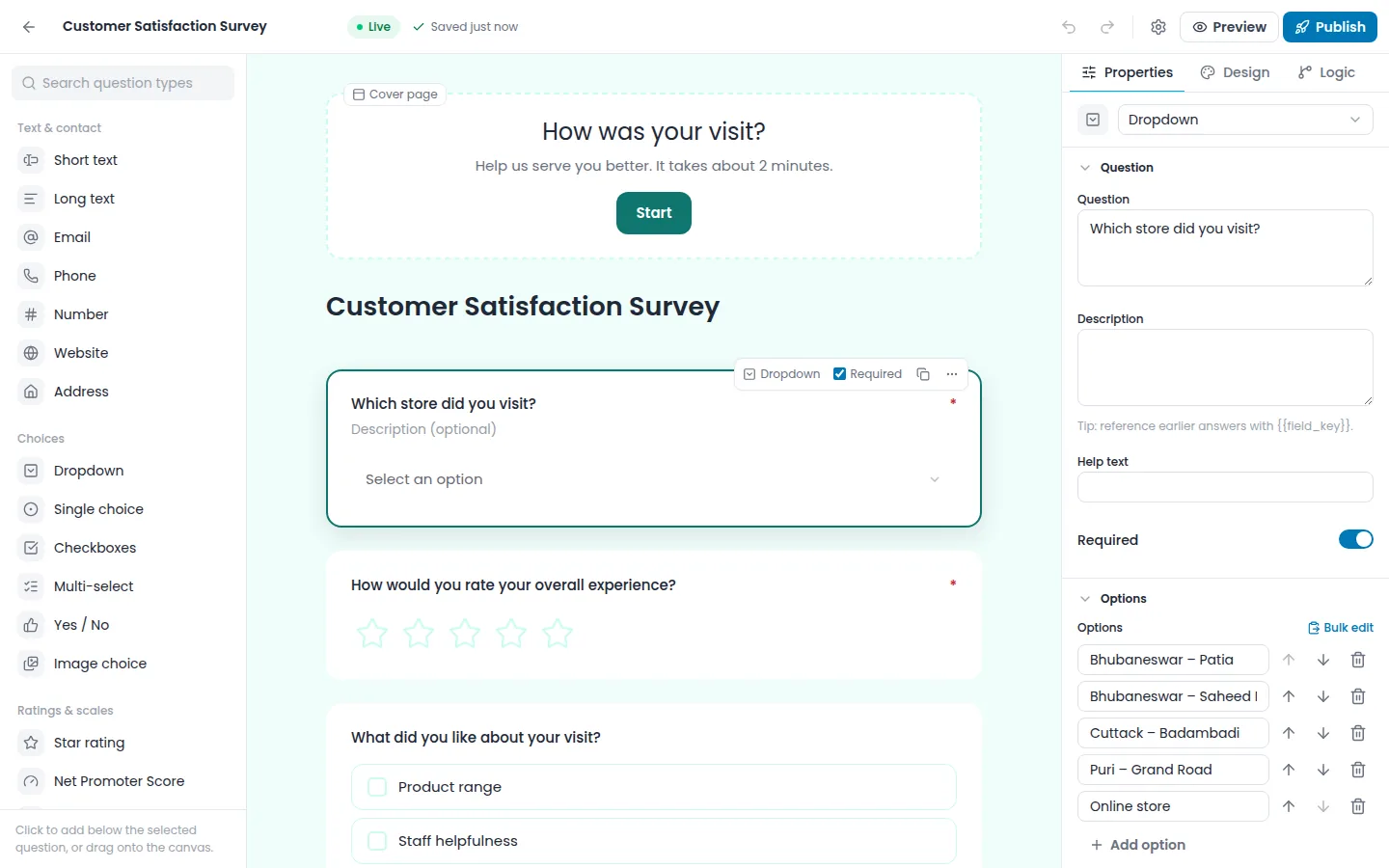
Drag from the palette, use Quick Add between questions, or just type and pick with a slash command. Paste a list to create options instantly.
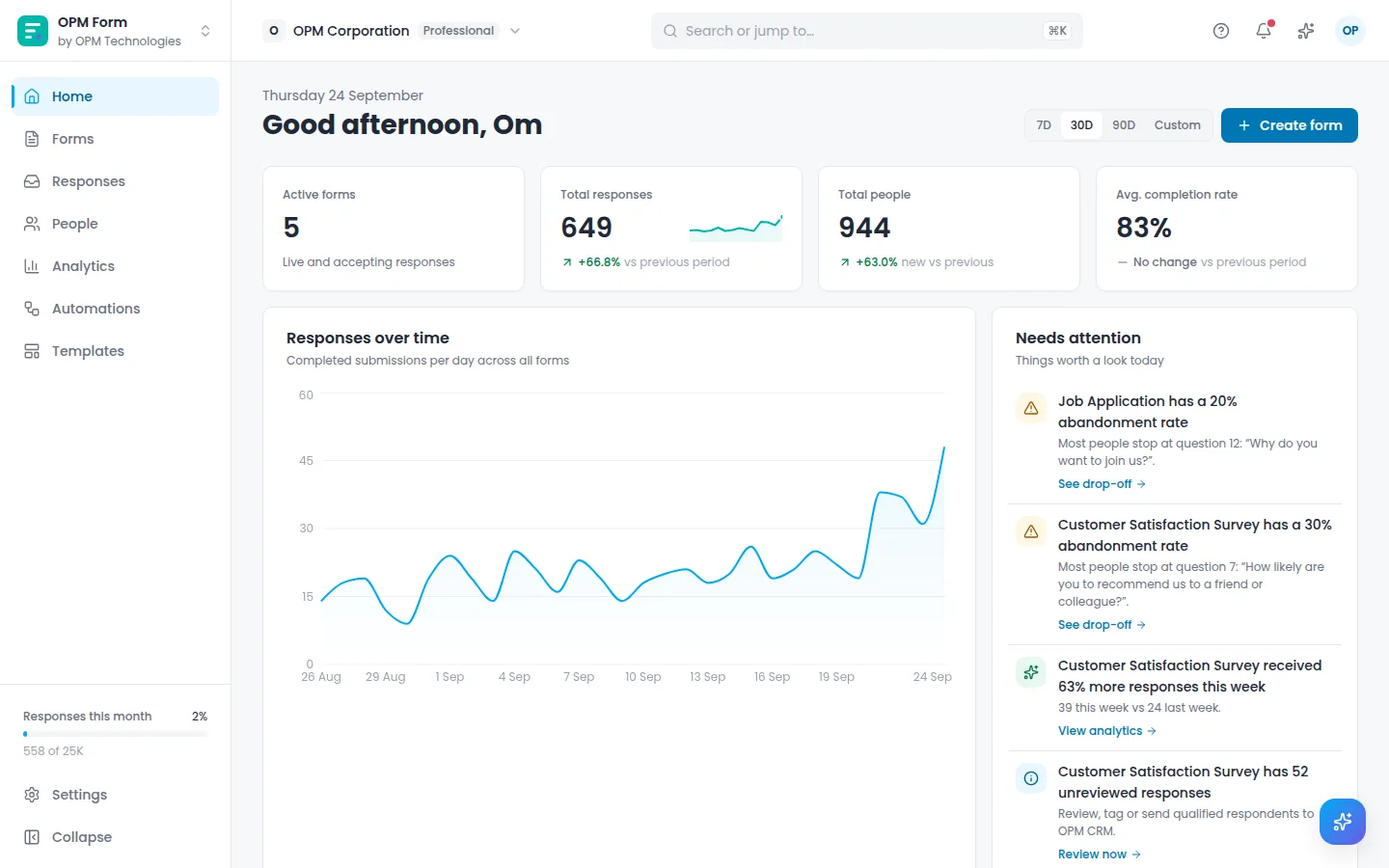
Responses against the previous period, forms that are slowing down and what came in overnight.
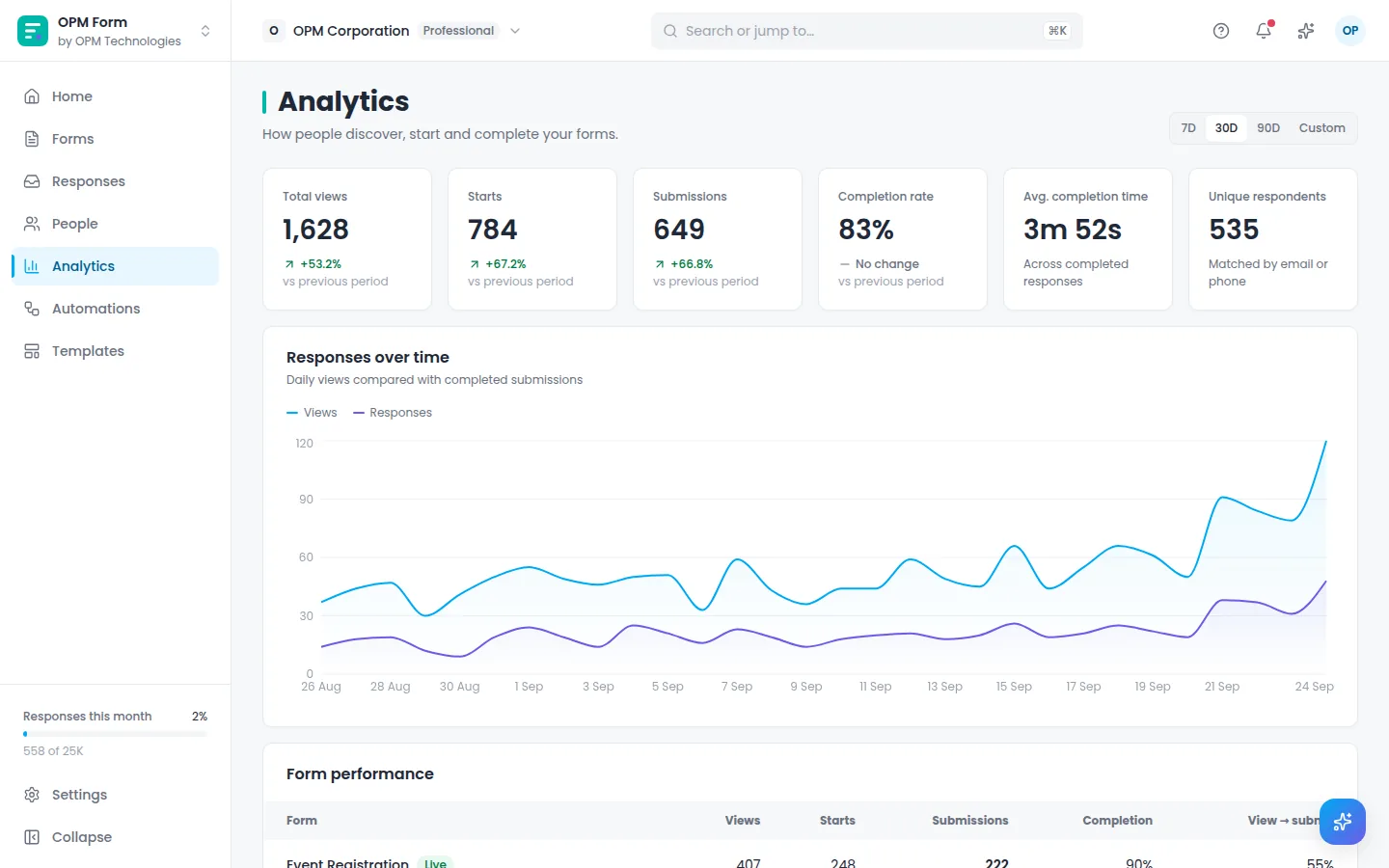
Funnel and question-level drop-off with suggestions, plus sources, devices, locations and campaigns.
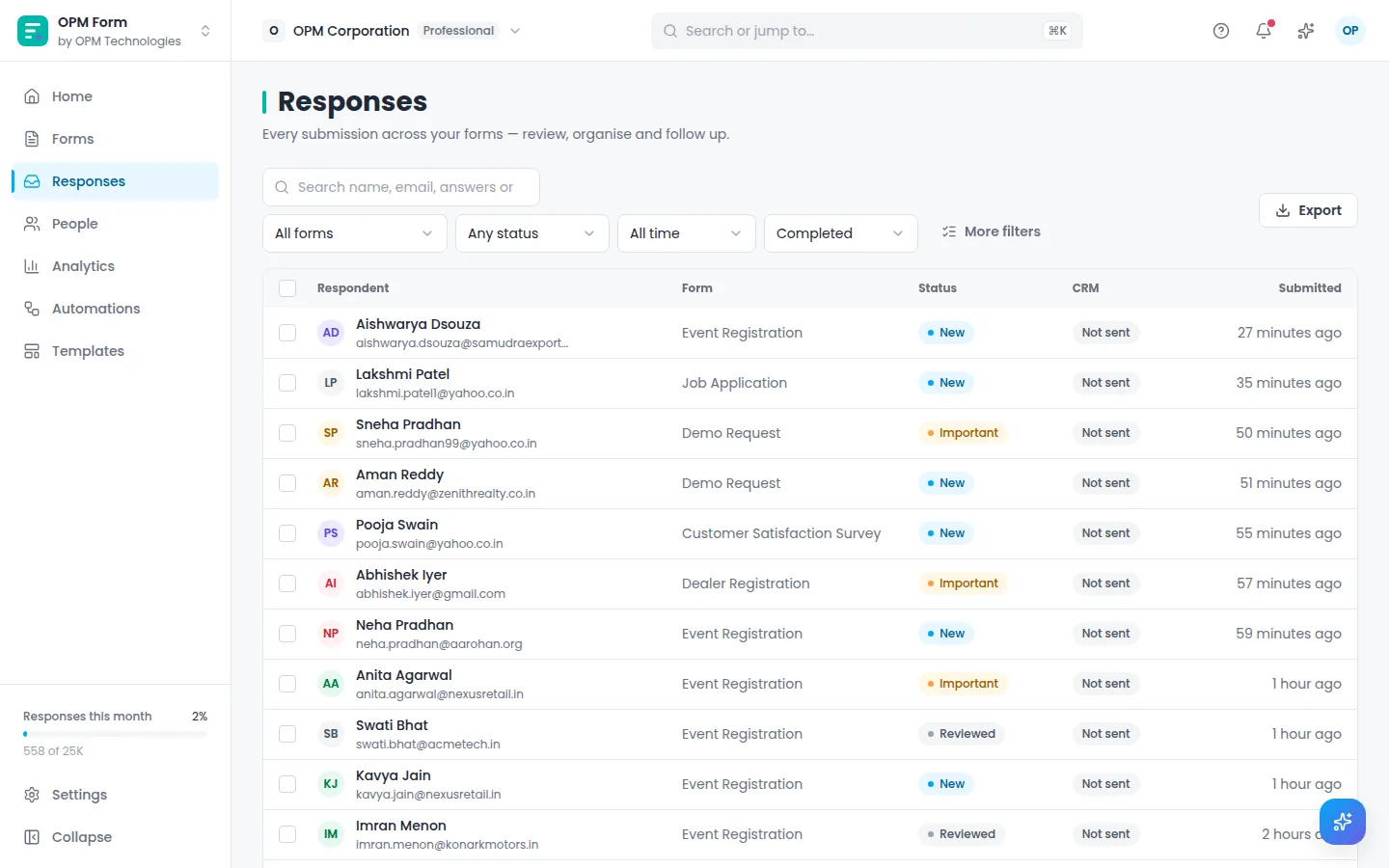
Filter, tag, assign and export. Reach out by email, call or WhatsApp when the person has agreed to it.
For the people filling it in
Conversational, multi-step, card, quiz and classic layouts, all designed for thumbs first. Answers carry into later questions, and longer forms can be saved and finished later.

Question 2 of 3
How was your visit today?
Share and collect
Custom links, embeds on your site and QR codes designed for print, each tracked as its own campaign. You see which poster, post or email brought each response.

Entrance poster
Hall A · UTM source: poster
412 scans · 268 responses
Templates
61 templates with questions, logic, consent and a thank-you screen ready to go.
Measure satisfaction after a store visit, with NPS and follow-up on low scores.
Qualify inbound interest with company size, budget and timeline.
Collect candidate details, CTC, notice period and résumé.
Register attendees with ticket types, sessions and dietary needs.
Collect product, quantity, delivery location and timeline for an accurate quote.
A short, high-converting lead form with interest and budget qualification.
Make it yours
Themes that change type, fields, containers, buttons and backgrounds, not just colours.
Your logo, colours and fonts saved once and used across the team.
Show, skip and branch on answers, and reuse answers later in the form.
One form, several languages, for audiences across India and beyond.
Collect documents and photos, stored privately for your team.
Keep spam out without making real people solve puzzles.
Consent, built in
A separate choice for each purpose, a consent log for every respondent and withdrawal whenever they ask. Designed with India’s DPDP Act in mind.
New response
Automations and OPM CRM
Rules run the moment a response arrives: tag it, assign it, notify someone, email the respondent, call a webhook or send it to OPM CRM as a lead with your field mapping.
Most people leave at “Dietary needs”. Try making it optional.
Teams using forms every day

Lead capture and campaign forms that land in OPM CRM with the source attached.
See how
Registrations, applications and onboarding forms with QR check-in and file uploads.
See how
Surveys with logic and drop-off analysis, so more people finish and answers are better.
See howTrust
Every consent decision recorded, with withdrawal.
Members, roles and a record of changes.
Share forms on your own domain.
Tokens live in httpOnly cookies, never in the browser.
Part of OPM Technologies
One OPM account and one sign-in across products.
 Available
Map fields and sync responses as leads, automatically or in bulk.
Explore CRM Planned
Applications and onboarding forms feeding employee records.
Explore Workforce Planned
Intake forms that become tasks for the right team.
Explore ProjectsQuestions
Yes. Start on the Free plan and move up when you need more responses, members or advanced features. Paid plans are priced in ₹ and $, and annual billing gives you two months free.
Yes. Every layout is designed for touch first, including conversational and multi-step forms, and respondents can save and resume longer forms.
Add a consent section with a separate choice for each purpose. Airform keeps a consent log for every respondent, and people can withdraw consent later.
Yes. Map form fields to CRM fields and sync responses as leads manually, in bulk or automatically when conditions are met, with duplicate handling and a sync log.
Yes. Pick from 26 themes, then set your logo, colours, fonts and backgrounds, and save them as a Brand Kit for your whole team.
Start free with a template, or a blank canvas.