

Eight layouts
Classic, conversational, multi-step, card, survey, quiz, application and landing.
Features
Build fast, look like your brand, reach people anywhere and act on every response.
Builder
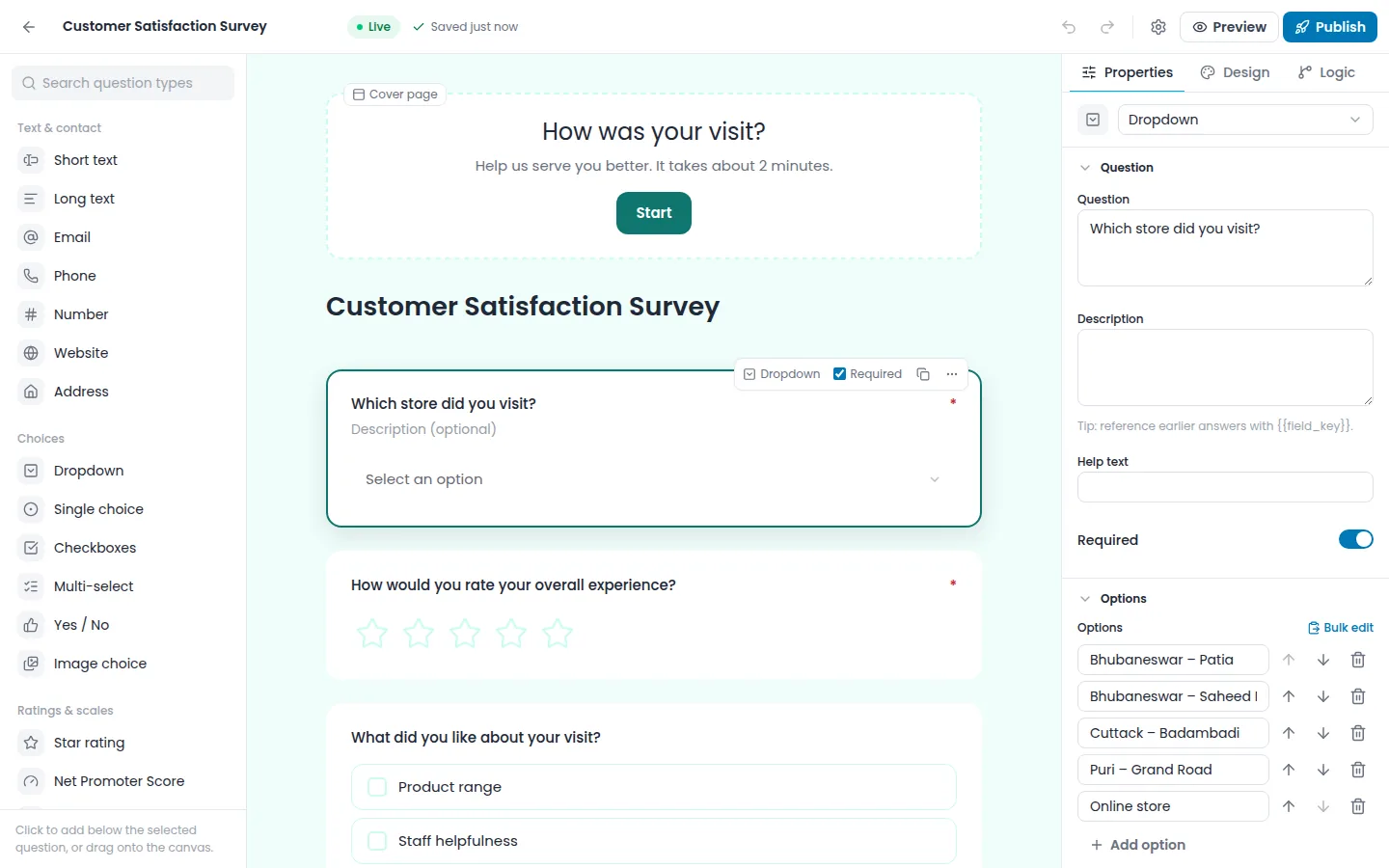
Titles, questions, options, placeholders, buttons, welcome and thank-you screens are all edited on the canvas. Add questions by dragging, with Quick Add, or by typing a slash command.
Themes and branding
Themes change type, fields, containers, spacing, buttons and background. Add your logo (Airform picks up its colours), fonts and backgrounds, and save it all as a Brand Kit.
Question 2 of 3
How was your visit today?
Layouts and logic
Pick how the form feels to the person filling it in, then let logic keep it short.
Classic, conversational, multi-step, card, survey, quiz, application and landing.
Branch on answers and reuse them later in the form.
One form in several languages.
Longer forms can be finished later, with partial capture.
Fill known answers from the link.
Responses and analytics
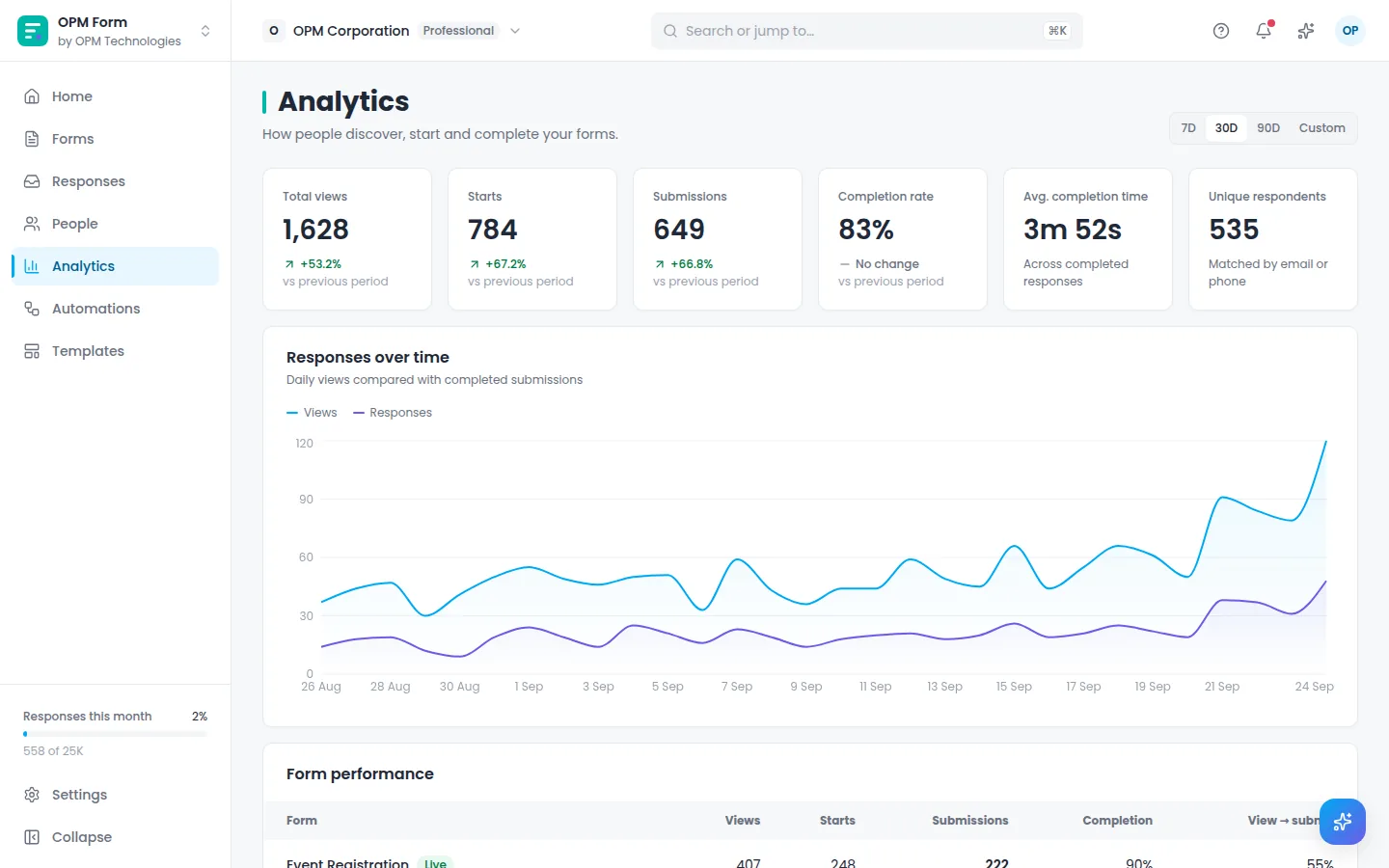
Charts appear for every question automatically. The funnel shows where people stop, with suggestions to fix it. Responses can be filtered, tagged, assigned and exported.
Most people leave at “Dietary needs”. Try making it optional.
Consent and automations
Collect purpose-specific consent and keep the log. Then let rules tag, assign, notify, email the respondent, call a webhook or sync to OPM CRM.
For the whole team
Keep forms organised by team, client or campaign.
Respondents matched by email or phone, with their consent and activity.
Share forms on your own domain.
Push responses to your own systems.
Automate with the Airform API.
Email and messaging channels for follow-up.
Export any view, and set how long responses and consent records are kept.
Start free, with a template or a blank canvas.